Run the installer
It installs for your Windows user, no administrator needed. Until our code-signing certificate arrives, Windows SmartScreen may warn about an unknown publisher: select More info → Run anyway, after checking the SHA-256 above.
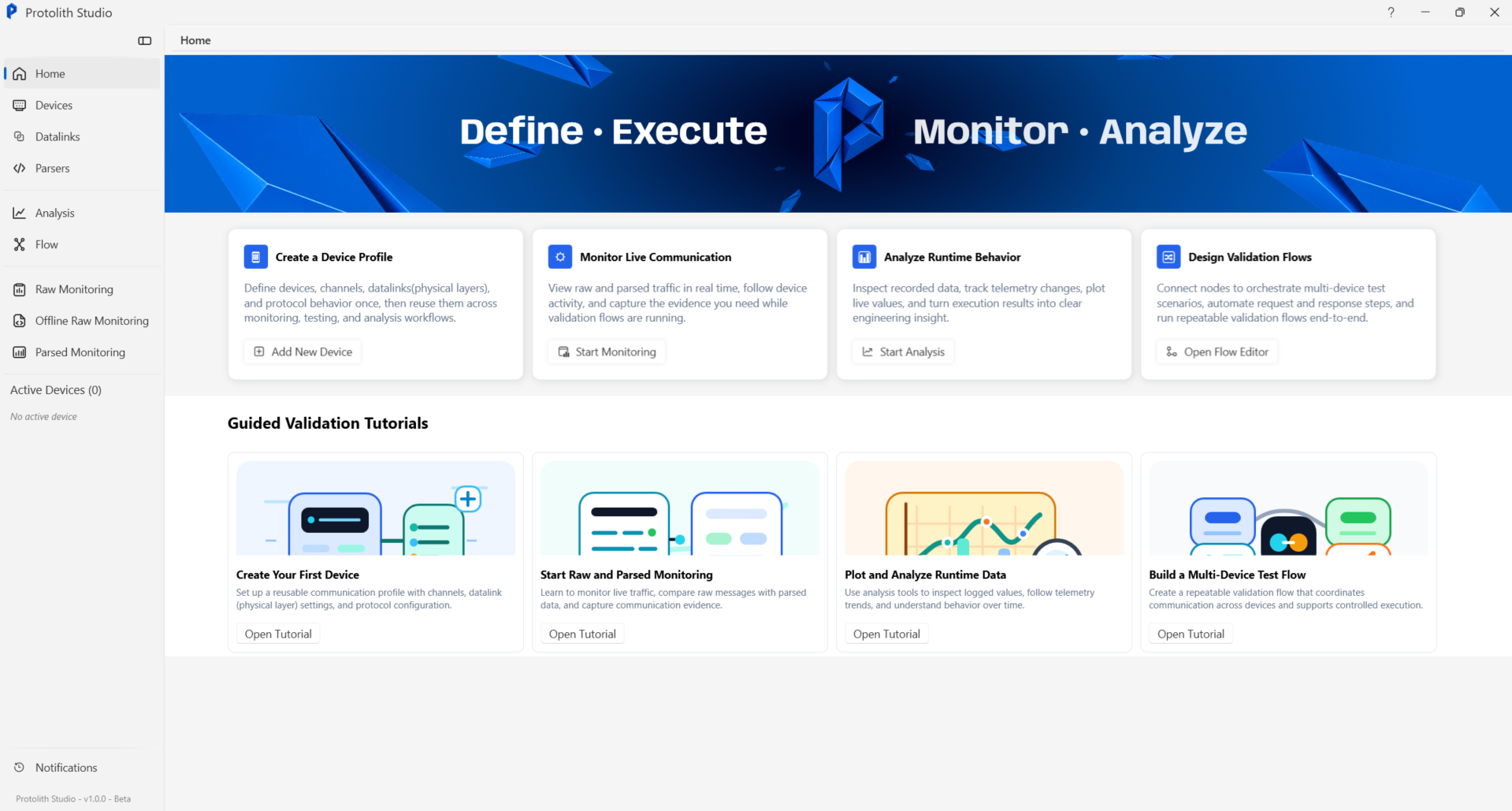
We are preparing the first public version for Windows. Ask for early access and we will send you the installer as soon as it is ready.
Or book a technical demo and we will walk you through the app on your own protocol.
It installs for your Windows user, no administrator needed. Until our code-signing certificate arrives, Windows SmartScreen may warn about an unknown publisher: select More info → Run anyway, after checking the SHA-256 above.
On the Free start tab, enter your e-mail and select Send code, then type the 6-digit code and select Activate. New accounts get the 30-day Pro trial; a license bought with the same e-mail is applied automatically.
Use the License key tab and select Activate key. For a computer without internet, use the Offline tab: save a request file and turn it into a license file on the offline activation page from any computer with internet (guide).
